
































Your Steam, Epic, GOG, Ubisoft and EA library on a Mac
Sommelier tells you whether a game will run before you download it, and starts it with one button. If the game has a Mac version, it installs that.
Check a game before you download it
The rating draws on Steam Deck data, player reports and our own tests. If anti-cheat will stop a game, you find out before downloading 60 GB.
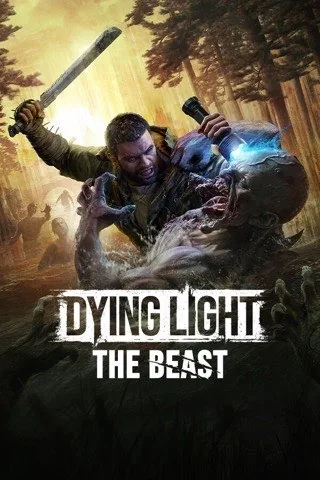
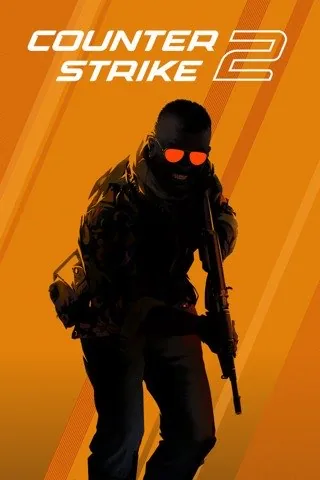
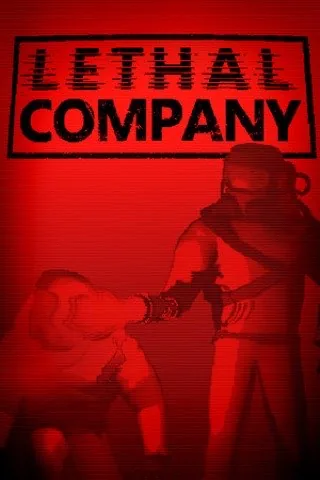
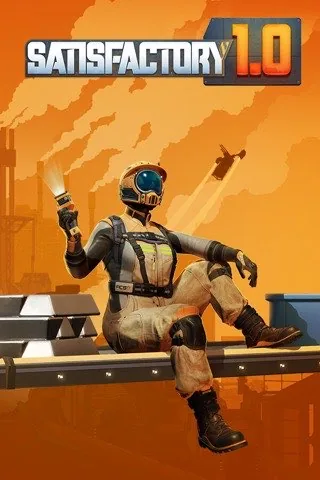
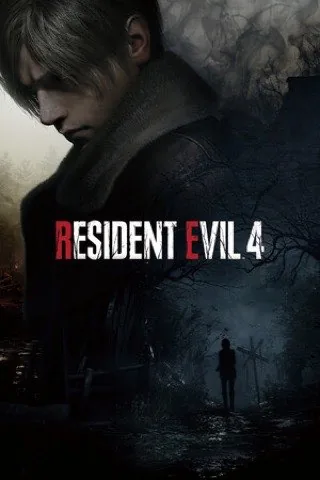
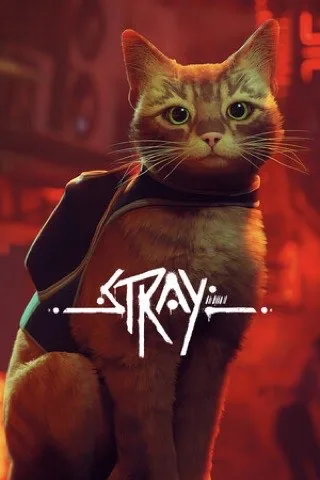
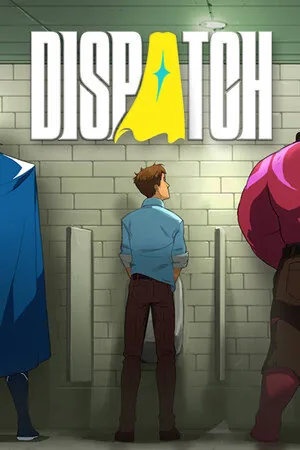
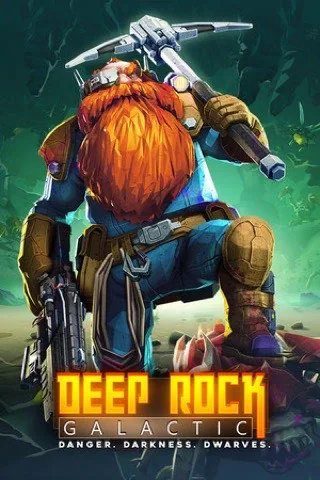
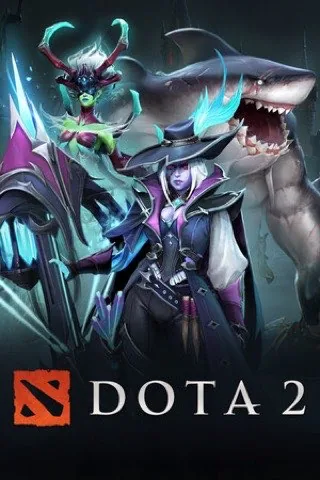
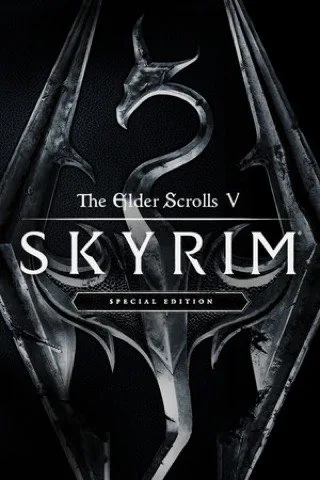
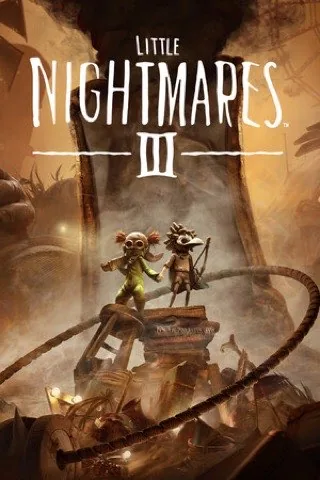
A few samples here. In the app, every game in your library has a rating.
How it works
Every store in one window
Sign in to Steam, Epic Games, GOG, Ubisoft Connect and the EA app and your games gather into one library. A game you bought in two stores appears once.
- Epic and GOG games download directly, without their launchers
- Epic and GOG cloud saves sync the way Steam’s do


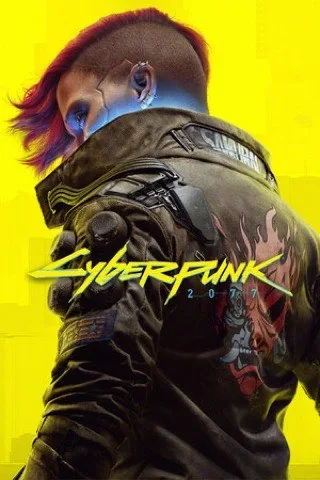
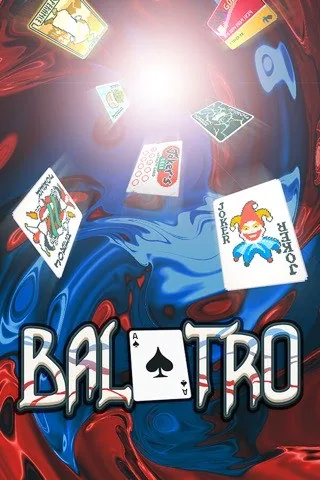
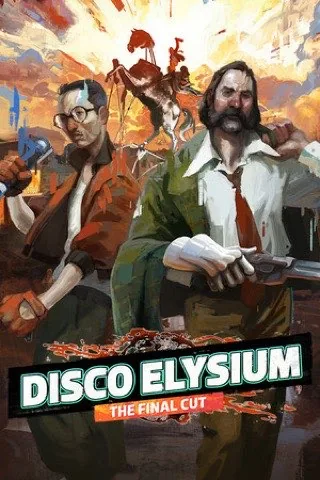



If there’s a Mac version, that’s what you get
Many games in your library have a Mac build. Sommelier finds it and installs it instead of the Windows version: the native one usually runs better.
- Checks whether the build is for Apple Silicon or Intel only
- Skips old 32-bit builds that won’t start on current macOS
A warning before the download, not after
If anti-cheat will keep a game off your Mac, Sommelier tells you before you install. No evening and 75 GB lost on a game that won’t start.
- Online games with anti-cheat are marked up front
- If the game has single-player, you see that too
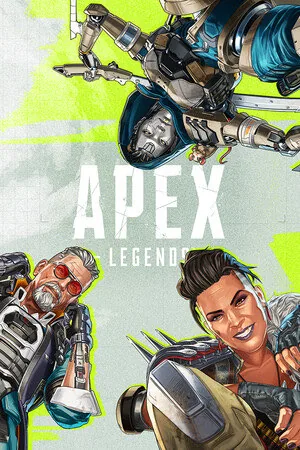
It’s an online game, and its anti-cheat blocks Macs. Not worth the download.
If a game won’t start, you learn why
Sommelier reads the game’s log and explains the cause in plain words. The fixes it offers are picked for this game, from its own files rather than a general list, and the best one is marked “recommended”. Any fix can be undone.
- For example, it installs .NET when a game’s installer needs it
- Sommelier never restarts a game by itself: you pick the next step with a button

The game’s installer needs .NET Framework. Without it the game closes right after launch.
Still not working? Send a detailed report
The game’s menu has “Report a Problem…”. Pick what went wrong, add a few words if you like, and the report reaches us with the launch log. We use it to find a fix for that game.
- Your user name, accounts and personal folders are removed from the log
- Before sending, you can see exactly what the report contains
In your language
Sommelier speaks 17 languages, including English, Chinese, Japanese, Korean and Russian.
Intel and 8 GB too
Runs on Intel Macs and Macs with 8 GB of memory. Ratings account for your hardware.
No account, no tracking
No sign-up. Game reports reach us only if you allow it, and you can delete them in Settings.
The game is ready before you first launch it
While a game downloads, Sommelier installs what it needs and matches the graphics to your Mac.

- Recipe appliedThe Visual C++ runtime is in, without it the game closes at start
- Graphics matchedHigh, 2560 × 1440: what this Mac can carry
- Shaders in placeOther players already built them, so the first minutes run smoother
Not every game has a recipe. Graphics matching covers Unreal Engine games and games with a recipe for now; ready-made shaders are for DirectX 10 and 11 only.
Ready-made shaders from other players
The first time a game shows a new effect, your Mac builds a shader for it and the picture freezes for a split second. Steam on Mac doesn’t ship ready-made shaders, so Sommelier does it itself. For now this works for DirectX 10 and 11 games.
- 1
A player plays a level and their Mac builds shaders
- 2
If the player allows it, they go to our server. They hold no personal data
- 3
You get them before launch, and new effects stutter less
Keep your favourite game in the Dock
Every installed game gets an app of its own, with an icon made from its cover. It shows in Launchpad and Spotlight, and your favourite can stay in the Dock and start in one click, without opening Sommelier.


In the Dock the game shows under its own name, with its cover instead of the Wine icon.
A copy of your saves after every session
When you quit a game, Sommelier copies its saves if they changed. The last ten copies are kept.
Put any of them back from the ⋯ menu on the game’s page: “Restore Saves” and the date you want. The current saves are copied aside first, so even that can be undone.
Coming soon: mods
Install mods in one click and switch them on before you play. Sommelier will check that the game still starts with them.
- One click instead of copying files into the game folder by hand
- Switch any mod on or off before you play, no reinstalling
- Launch check. Sommelier tells you if a mod stops the game from starting

Questions and answers
Didn’t find an answer? Write to us on Discord or by email.
What does beta mean?
The app already works, but fixes ship often, and a game may behave unexpectedly. If something breaks, Sommelier offers to send a report, and we look into it. Updates arrive right in the app.
Do I need a Windows licence?
No. Windows isn’t installed at all.
Why won’t games with anti-cheat run?
Easy Anti-Cheat, BattlEye and the like check that the game runs on real Windows. They recognise Wine and close the game. Nobody gets around that on a Mac today. Sommelier warns you before you download, and single-player in such games sometimes works.
Which Mac do I need?
Any Mac on macOS 15 or later. Apple Silicon runs the most games, and DirectX 12 games run only there. Sommelier works on Intel too, but some recent games won’t start there.
Is it safe?
Everything Sommelier installs lives in its own folder, and the game icons in “Applications → Sommelier Games”. You sign in to stores on their own pages, and your passwords never reach us. To remove everything, delete the app and these folders.
What about my saves?
Steam syncs them itself. For Epic Games and GOG, Sommelier does it: before launch and after you quit. And after every session it puts a copy of your saves aside; the last ten are kept.